Critical PHP Flaws: Moore County WordPress Sites Must Act
PHP has released fixes for two critical flaws affecting WordPress hosting. Moore County site owners should ask their host to confirm the patches are installed.
If your business website runs on WordPress, contact your hosting provider now about the critical PHP security release. This needs urgent attention even if your website looks normal and WordPress says it is up to date.
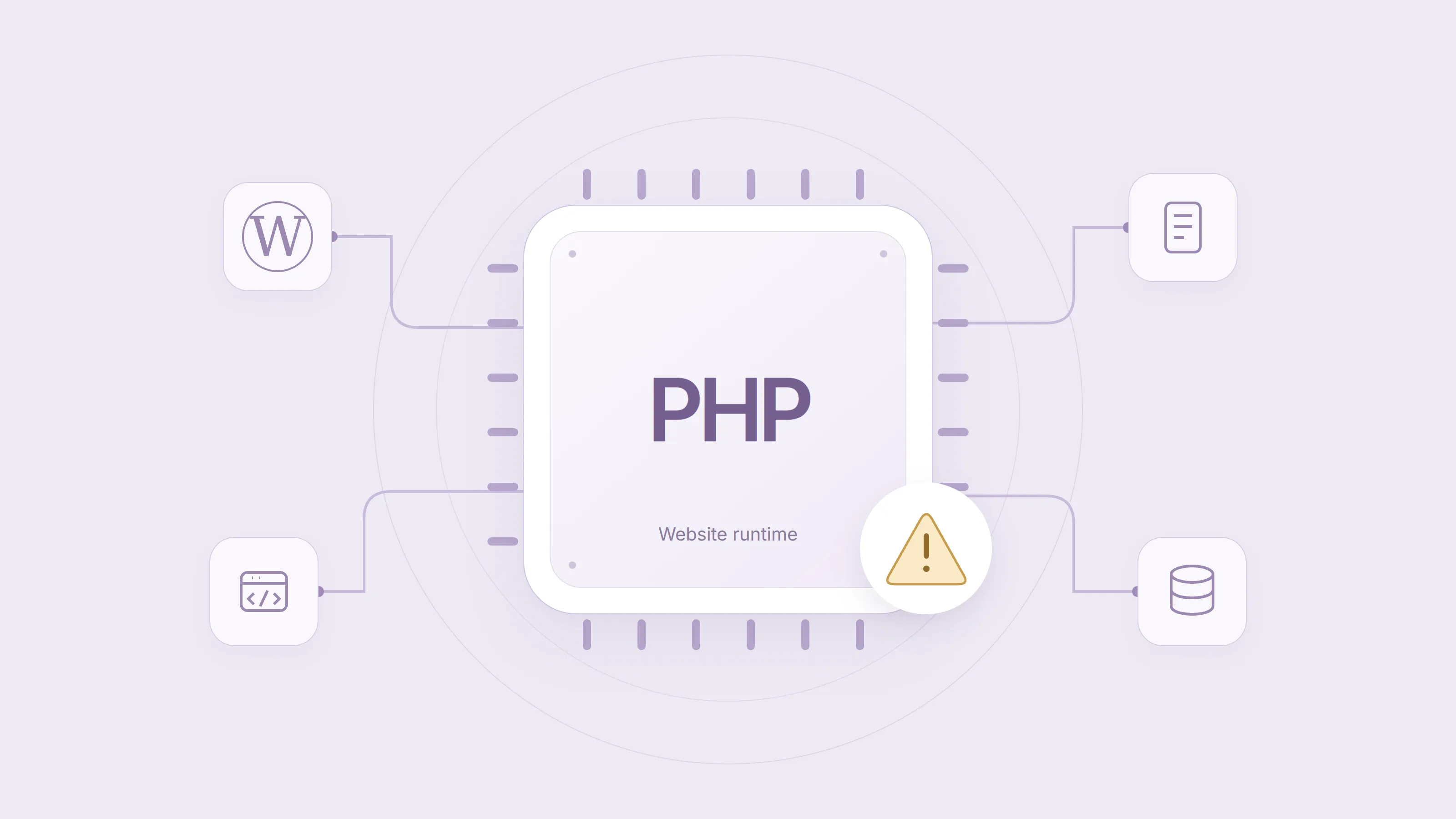
The warning concerns PHP, the software that runs WordPress on your server. For businesses in Southern Pines, Aberdeen, Pinehurst, and across Moore County, the immediate task is to get a clear answer from whoever manages that server: are you exposed, what protection is in place, and when will the PHP fix be applied?
What has PHP confirmed?
Status checked October 22, 2026: the PHP security team has released fixes for two critical vulnerabilities, CVE-2026-109618 and CVE-2026-109619. Both can allow unauthenticated remote code execution: an attacker running code on a vulnerable server without first logging in.
The October 21 security releases fix both vulnerabilities:
| PHP branch | Fixed release |
|---|---|
| 8.2 | 8.2.35 |
| 8.3 | 8.3.36 |
| 8.4 | 8.4.27 |
| 8.5 | 8.5.12 |
Ask your host to install the fixed release for your branch, or a later security release. Some vendors apply the fixes to existing packages without adopting these version numbers. Your host must confirm that the running build includes both fixes; the release announcement alone does not mean your server has been updated.
PHP 8.1 and older no longer receive regular updates from the PHP project. Some operating system and long term support vendors provide fixes for older branches. PHP has also provided source patches for 7.4, 8.0, and 8.1, but these do not restore regular support. Ask your host to confirm coverage or arrange a move to a supported version. PHP 8.2 reaches the end of security support on December 31, 2026.
Treat PHP sites as potentially affected
The PHP advisory warns that all PHP installations serving web requests are at risk, including PHP-FPM, Apache with mod_php, php-cgi, FrankenPHP, and LiteSpeed. The team considers the risk highest for mod_php, where a demonstrated exploit can trigger the attack before any application code runs.
The first vulnerability concerns memory handling when PHP runs out of memory. The second vulnerability concerns invalid internal state that can remain between requests. Each is rated 9.2 out of 10 under the CVSS v4.0 severity system.
Treat your PHP site as potentially affected until your host confirms that both fixes are installed. The problem is in PHP itself, so updating a WordPress plugin does not fix it.
Attack attempts are already being observed
In its October 21 update, CloudLinux reports requests matching the circulating exploit pattern. It has released Imunify360 firewall rules to block that pattern. Observed attempts are a reason to act promptly, although they do not prove that a particular website has been compromised.
In its October 22 update, CloudLinux confirms that its fixed alt-php and ea-php packages can show older PHP version numbers because the fixes were applied to existing releases. For example, it identifies alt-php85 8.5.11-5 as fixed for both vulnerabilities. Other package families have different release schedules, so your host must check the exact package and update channel.
PHP confirms that temporary configuration changes reduce exposure to specific attack paths but do not make an installation safe. Do not treat an upload setting, a WordPress security plugin, or a firewall rule as a substitute for the PHP fixes. Ask your host to assess temporary controls and their limits.
Why this matters for WordPress sites
WordPress, its plugins, and its themes run on top of PHP. WordPress explains that PHP is managed at the server level, usually through your hosting provider.
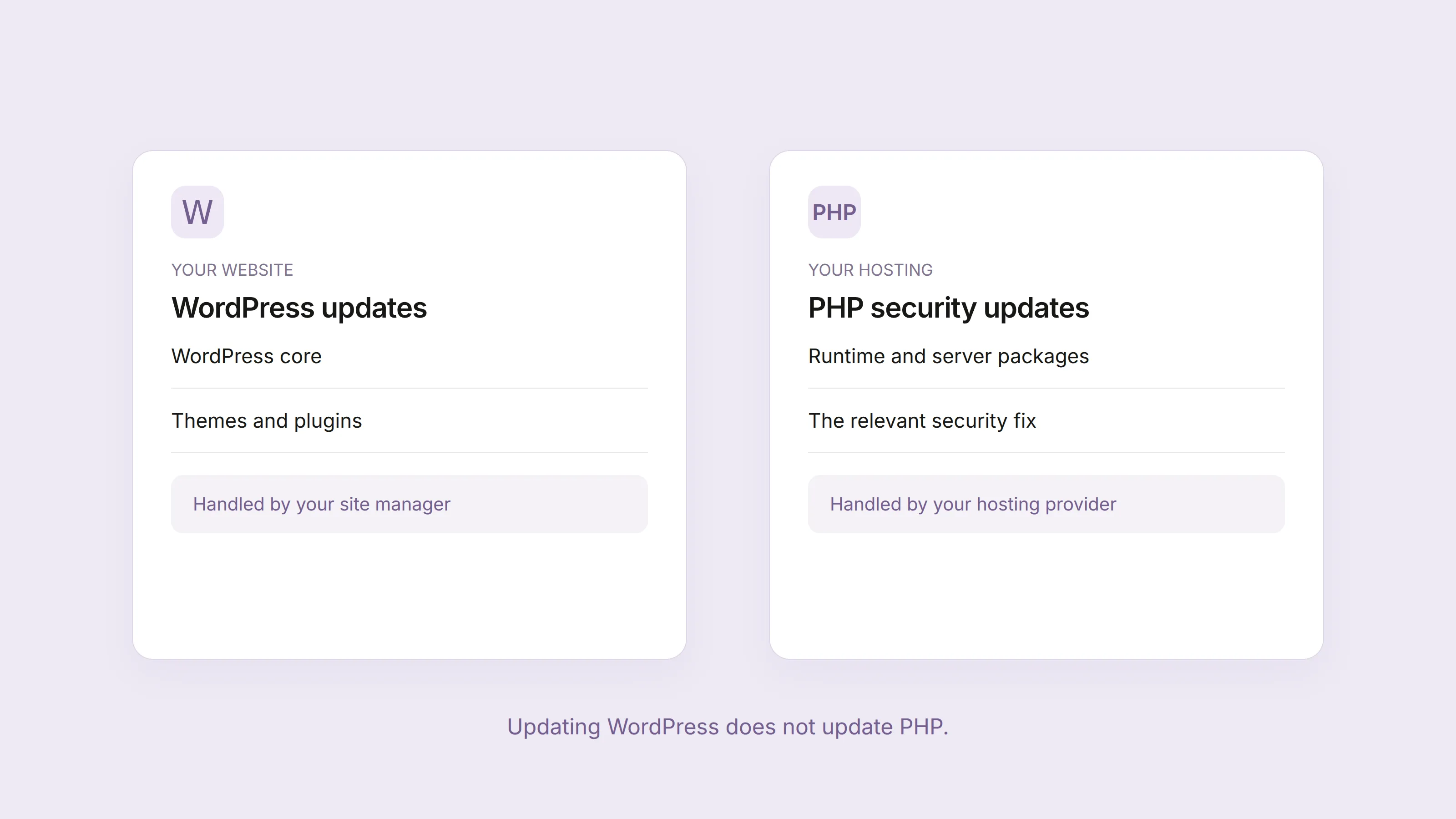
That creates two separate maintenance jobs:
- WordPress updates maintain the website software, themes, and plugins.
- PHP updates maintain the software that runs the website on the server.
Clicking “Update” in WordPress does not complete both jobs. A site can have current plugins and still run an older PHP build.
Remote code execution is a serious server risk. A successful attack could let an attacker alter website files, access information available to the PHP process, or interrupt the site. The permissions and configuration of the server determine how far that access could extend. We have no evidence that a Moore County business has been compromised by these flaws.
What Moore County business owners should do
Do not wait for a broken page or a warning in WordPress before you act. Contact the person responsible for hosting today.
- Find out who manages your hosting. This may be your web designer, an agency, or a hosting company. Domain registration and website hosting can be with different providers.
- Record your PHP version. In WordPress, open Tools, then Site Health, then Info, and look under Server. The WordPress Site Health documentation explains this screen. Your host should also check the exact package build and any security fixes it includes.
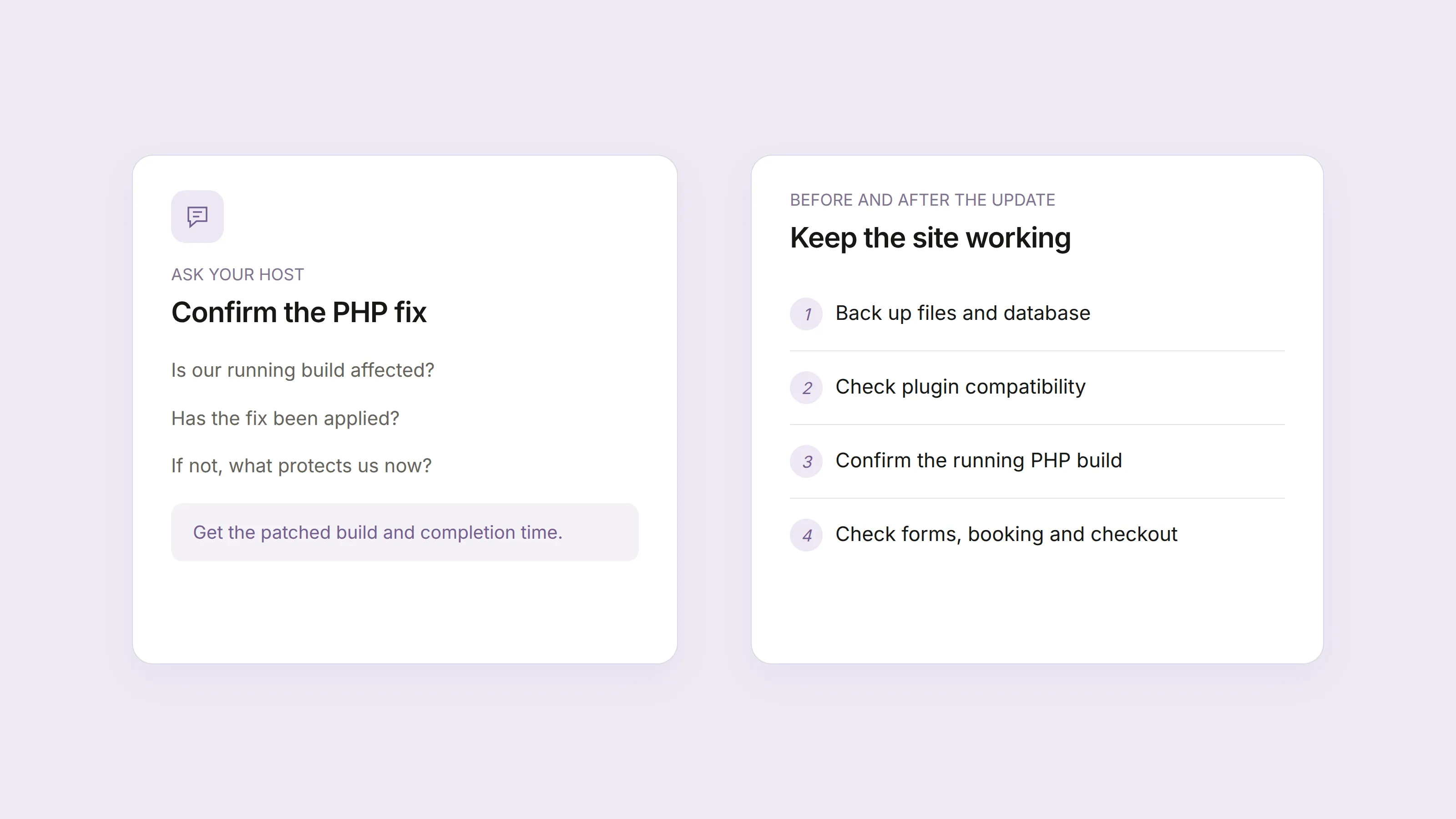
- Request urgent confirmation of both PHP fixes. Ask about CVE-2026-109618 and CVE-2026-109619, the patched package build, and the completion time. Have your host restart the relevant PHP workers or web server after the update and verify the running build. A general statement that “updates are automatic” does not confirm that your server is protected.
- Have a backup and a prompt update plan. Before changing PHP, confirm that your website files and database are backed up and can be restored. If a larger PHP version change is needed, check plugin and theme compatibility on a private copy of the site.
- Check the business functions after the update. Submit a contact form, confirm its email arrives, and check booking or checkout if your site has those features.
These steps apply whether your site brings in quote requests in Carthage or sells products across the country. Geography does not change the software flaw; what matters is the server your site uses and how it is maintained.
What if your host cannot patch promptly?
PHP states that only an update is a complete solution. If your host cannot apply both fixes promptly, ask whether temporary access restrictions or taking the application offline are needed while it arranges the update.
A WordPress maintenance page is not the same as blocking requests before they reach PHP. Have the host implement and verify the restriction at the server or network boundary.
Discuss the business impact of temporary controls, too. Blocking multipart requests can interrupt forms as well as uploads. Check quote forms, booking, and checkout after any change, rather than assuming that a working home page means the site still works.
What to ask your hosting provider
Send your host or website manager these questions:
Please urgently check my website for CVE-2026-109618 and CVE-2026-109619. Is our running PHP build affected, and has the relevant fix been applied? Please confirm the patched build and completion time. If patching is pending, what interim protection or access restrictions are in place, and when will you update us?
If your provider’s fixed package is not yet available, ask when they will check again and how they will notify you. If your PHP branch no longer receives security updates, ask for a migration plan to a supported release.
A version number is useful, but some providers apply security fixes to their existing packages. Ask for confirmation about the specific advisory rather than assuming a number alone proves protection.
Does this mean you need a new website?
A security notice is a reason to check maintenance, not an automatic reason to replace WordPress. Start with the hosting update and verify that the site works.
If you cannot find anyone responsible for updates, backups, or hosting, that is a separate problem worth fixing. Your business should know who handles each task and how to reach them.
For help reviewing your current website and its next steps, contact Basewind or read about our web design service. We work with Moore County businesses to make their websites easier to use and manage.
Questions about this topic
Does updating WordPress fix these PHP vulnerabilities?
Updating WordPress does not update the PHP software on your server. Ask your host to check the official PHP advisory and confirm whether your server needs a security update.
Are all WordPress websites in Moore County affected?
PHP warns that all installations serving web requests are at risk until patched. The fixed releases are PHP 8.2.35, 8.3.36, 8.4.27, and 8.5.12. Some hosts apply the fixes to packages with older version numbers, so ask your host to confirm that your running build includes both fixes.
Should I replace my WordPress website?
A PHP security notice alone is not a reason to rebuild a website. First confirm whether your server is affected and arrange the required update. A maintained WordPress site can still be a suitable choice for your business.